
最近搜索
使用 WXS 脚本(推荐用于模板内直接处理)

管理员
2025-12-15 11:32
这个脚本可以在页面中wxml 中直接调用函数。 页面中调用方法 页面中调用函数 格式化数据。 四舍五入
在utils里面创建这个文件
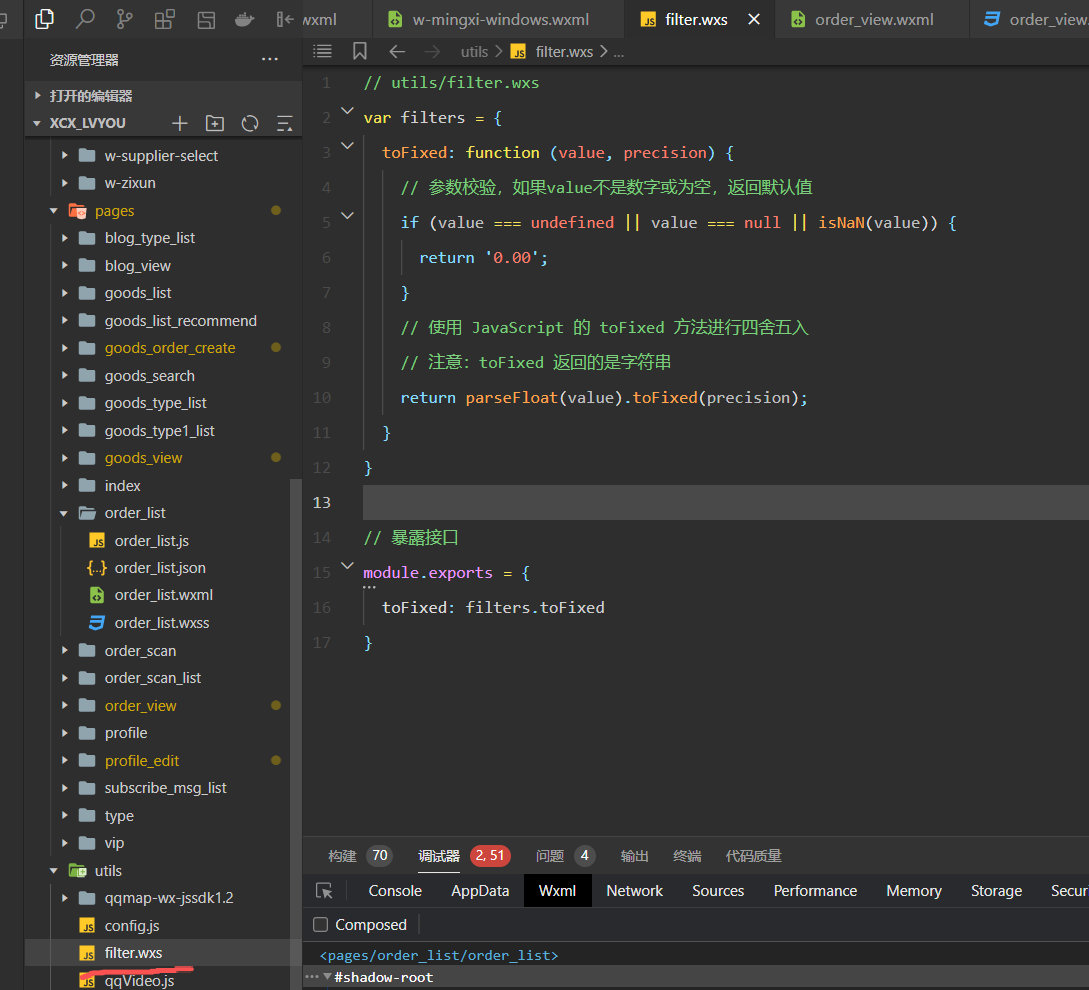
// utils/filter.wxs
var filters = {
  toFixed: function (value, precision) {
    // 参数校验,如果value不是数字或为空,返回默认值
    if (value === undefined || value === null || isNaN(value)) {
      return '0.00';
    }
    // 使用 JavaScript 的 toFixed 方法进行四舍五入
    // 注意:toFixed 返回的是字符串
    return parseFloat(value).toFixed(precision);
  }
}

// 暴露接口
module.exports = {
  toFixed: filters.toFixed
}
页面引入
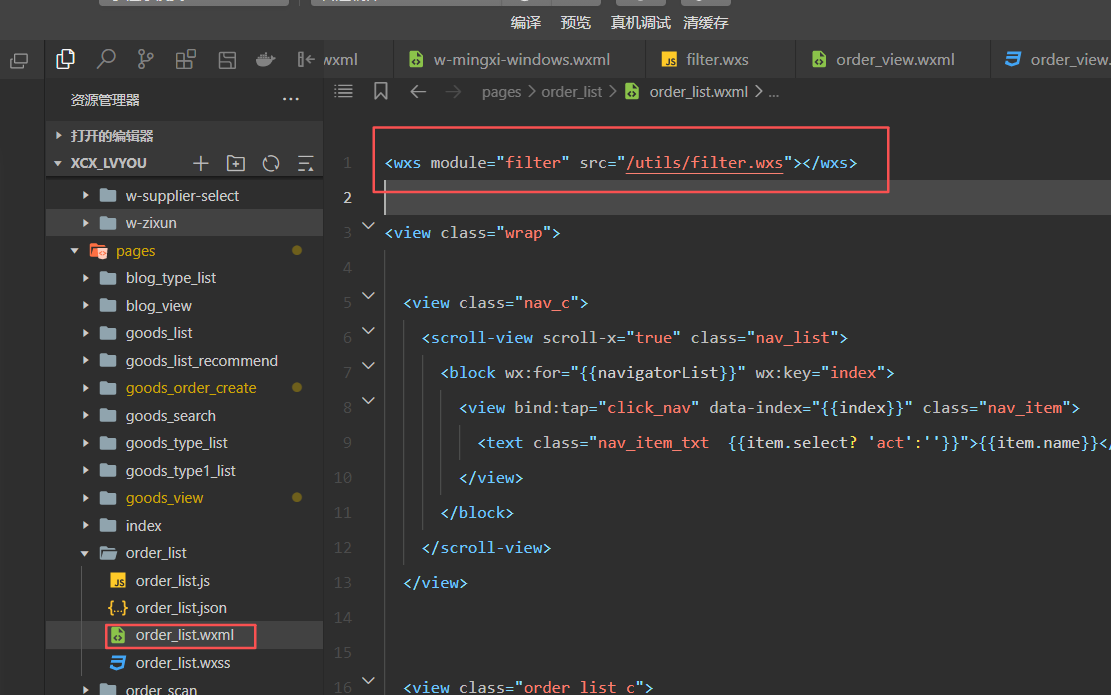
html中-使用

 <view style="flex: 1; font-size: 28rpx; color: #853820;">
 订单金额{{item.amount}}元,支付{{filter.toFixed(item.goods.yuJine*item.personNum,2)}}元即可预订</view>
联系站长
站长微信:xiaomao0055
站长QQ:14496453
按分类分组
按日期分组